ANDROID PHONE
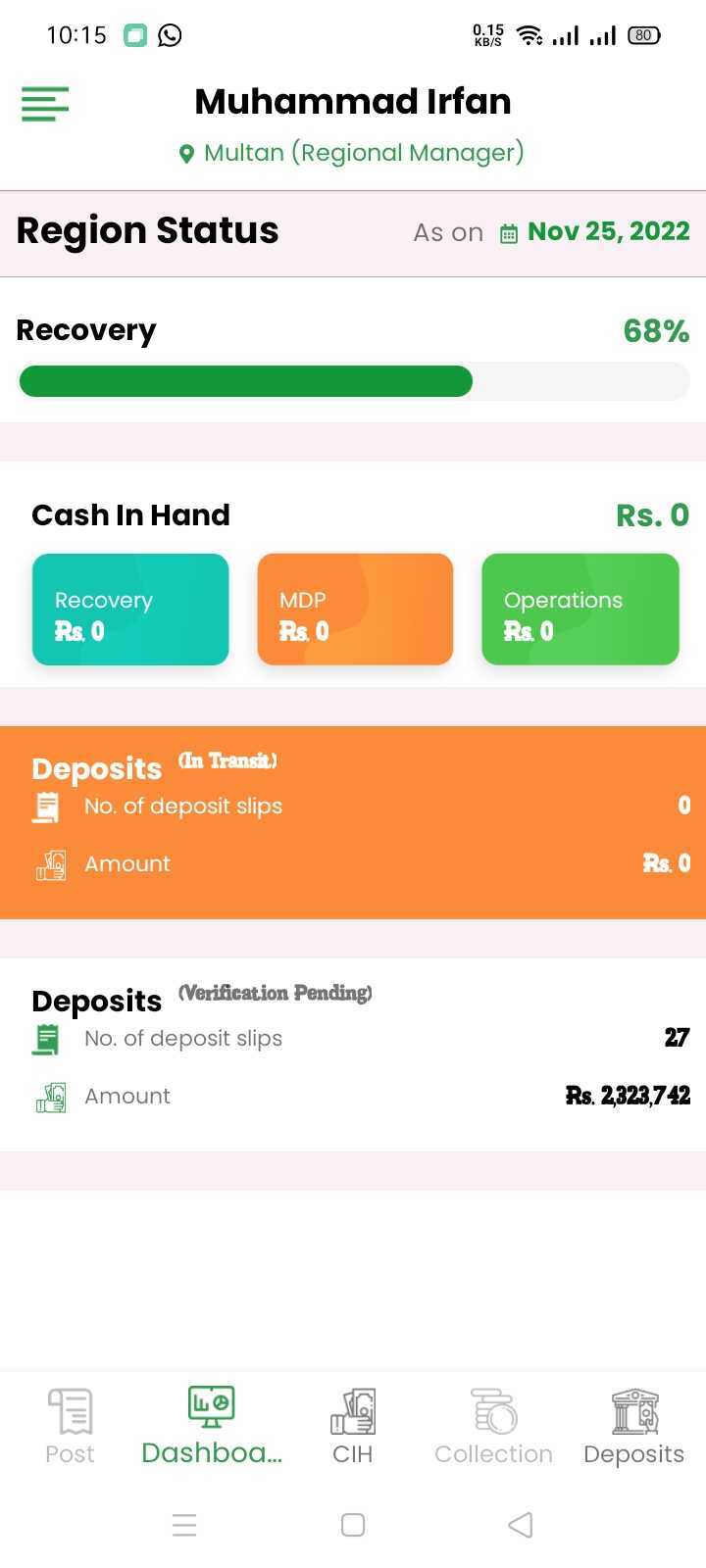
STEP 1: Open a browser on your phone
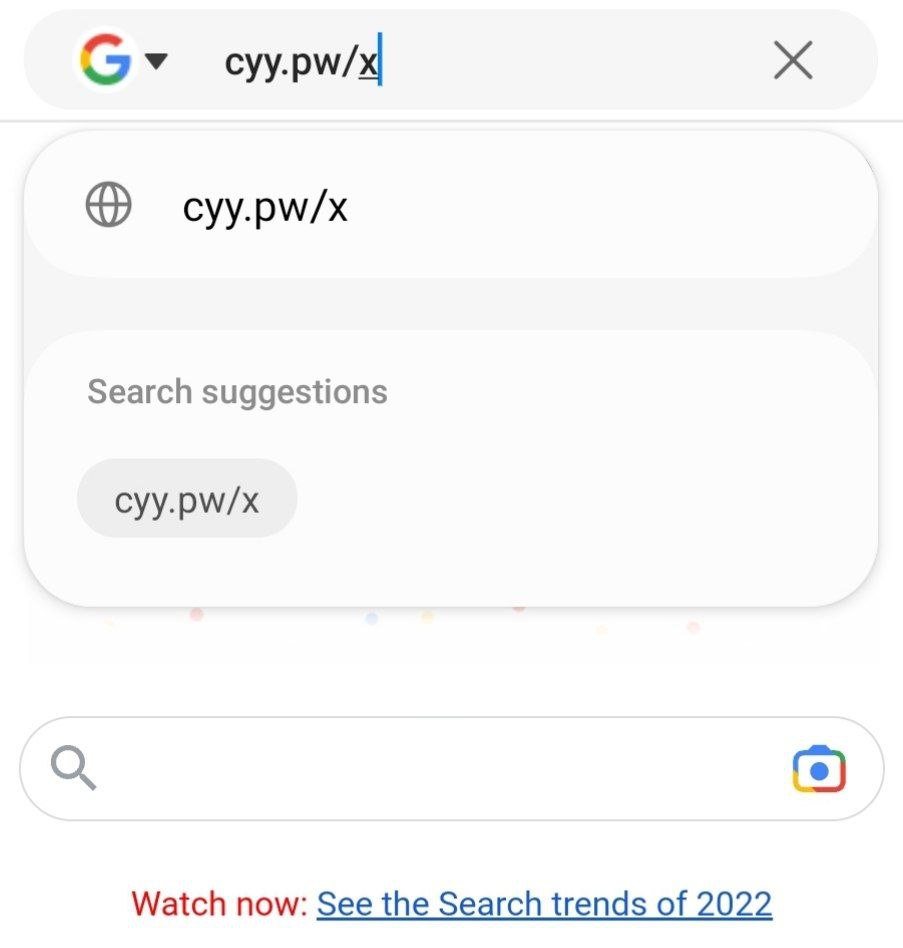
Open a browser on your phone like google chrome and type in cyy.pw/x
STEP 2: Click Download
Click on the download option and after the file has finished downloading, click Open. You can also open the downloaded file from the android quick menu or files app

STEP 3: Open the app and Sign in
After the app has been installed, open it and select the service you purchased from the menu. Enter the Username/Password sent to you and click Login. After you login make sure to click on the ALLOW option for the permissions.